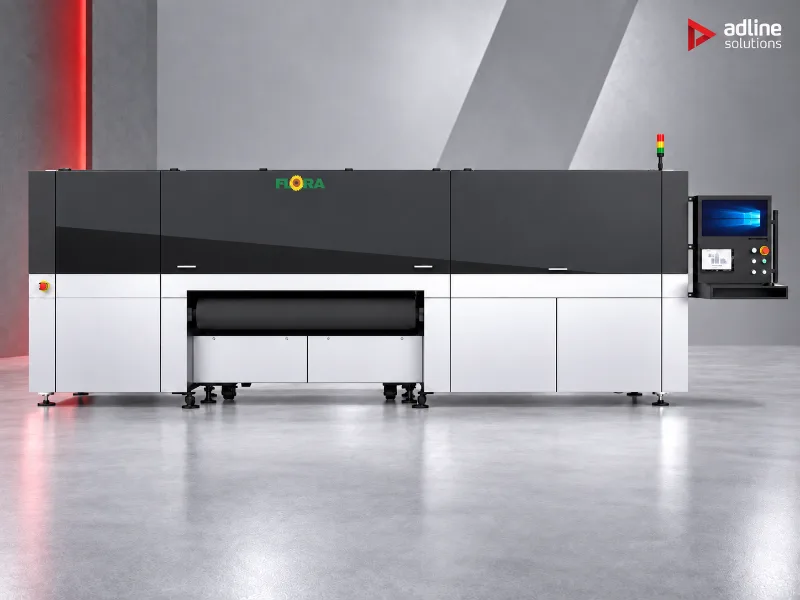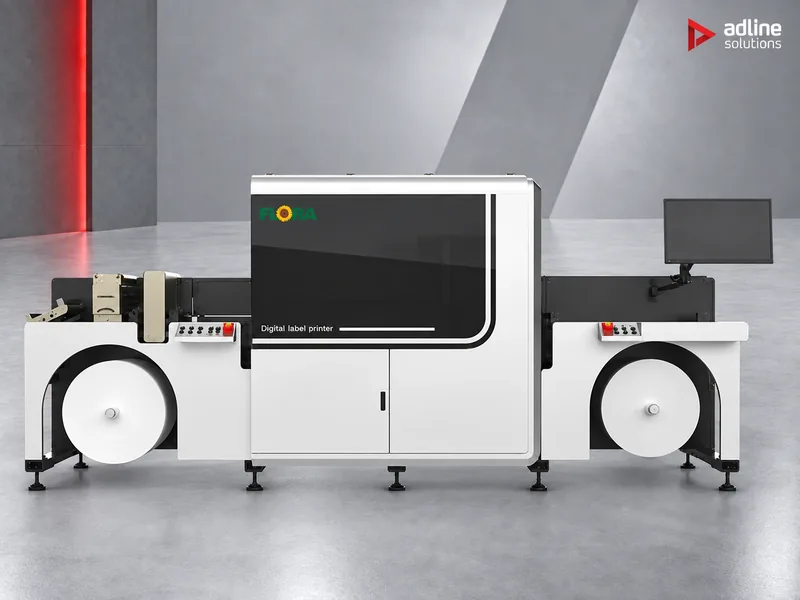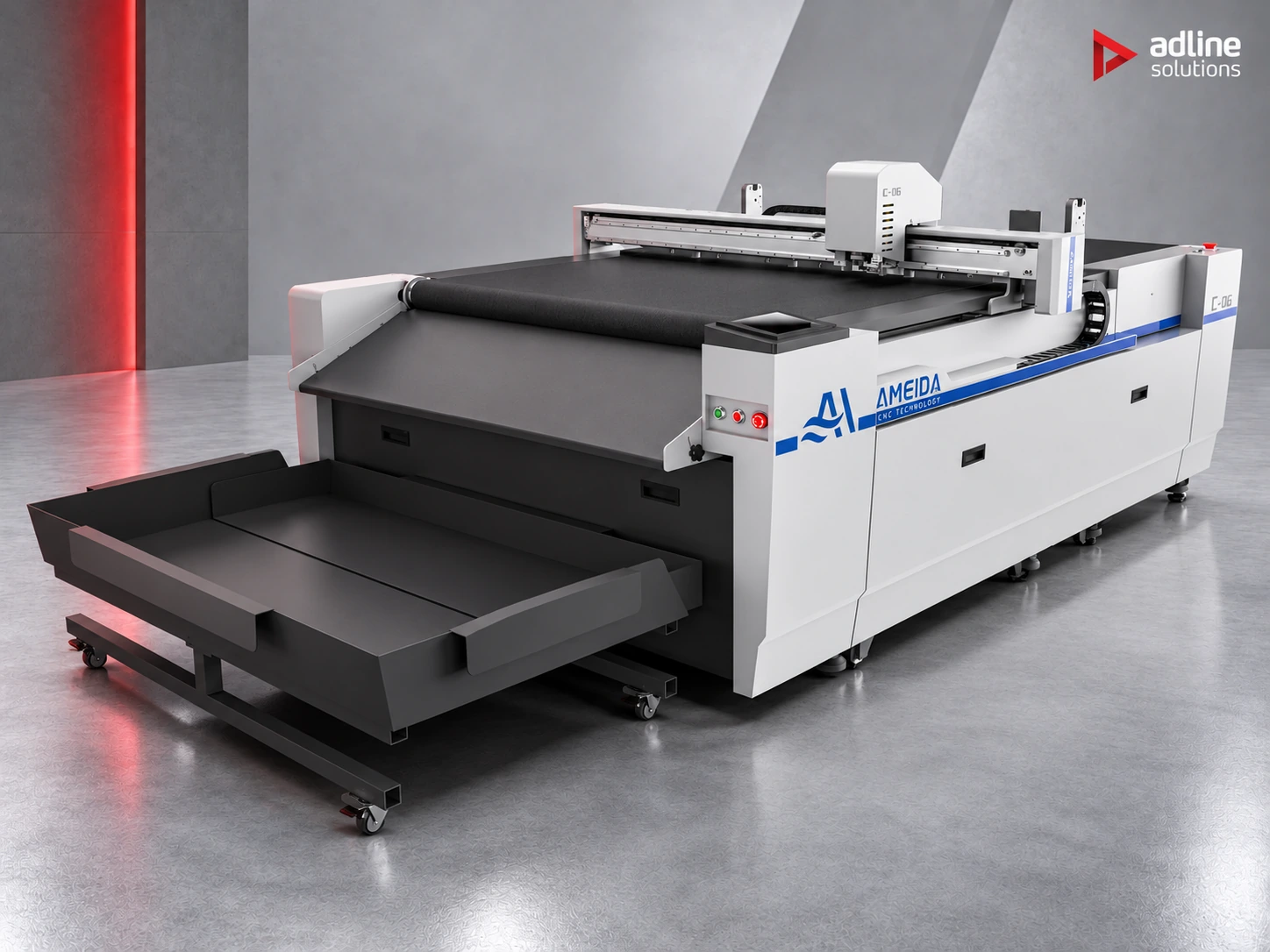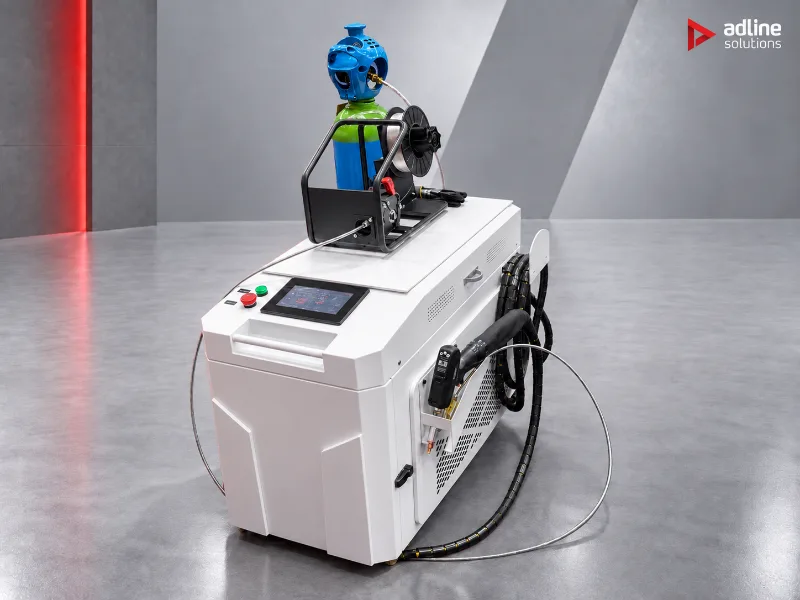
What a channel letter is made of
An illuminated channel letter has four parts: a face that lets the light through, a return that runs around the outline and gives the letter its depth, the LEDs inside, and a back plate that closes it and fixes it to the wall. The face, the LEDs and the back are similar whatever the method; the return is where the methods differ, and it decides most of the work.
Parts of a channel letter
A face that lets the light through, a return around the outline, LEDs inside and a back plate. The return is where the methods differ.
Three ways to make the letter
Print the shell, bend a metal return, or cut a flat letter from sheet. Each suits different sizes, materials and finishes.
The way the letter is lit also shapes the choice: a front-lit letter needs a translucent face, a halo letter an opaque face and stand-off pins, a resin letter a shell that holds the resin.
Front-lit
LEDs inside a closed letter shine through a translucent face. The most common illuminated letter.
Halo (back-lit)
The letter stands off the wall on pins; the face is opaque and the light glows on the wall around the letter.
Resin-filled
The shell is filled with resin and cured, so the whole face is a solid block of light.
Flat-cut
A letter cut from sheet, fixed flat or on pins. No return and no LEDs, unless lit from behind.
Four methods at a glance
| Method | How the letter is made | Best for | Our machines |
|---|---|---|---|
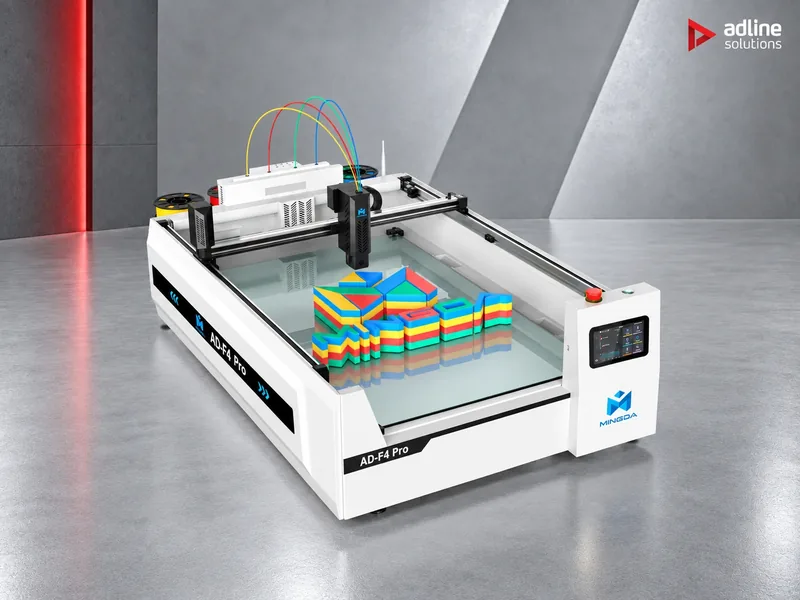
| 3D-printed shells | The printer builds the whole shell, return and face, in up to four colours, from the vector file | Illuminated letters up to 100 mm deep, coloured returns, short runs and many different shapes | AD-F4 |
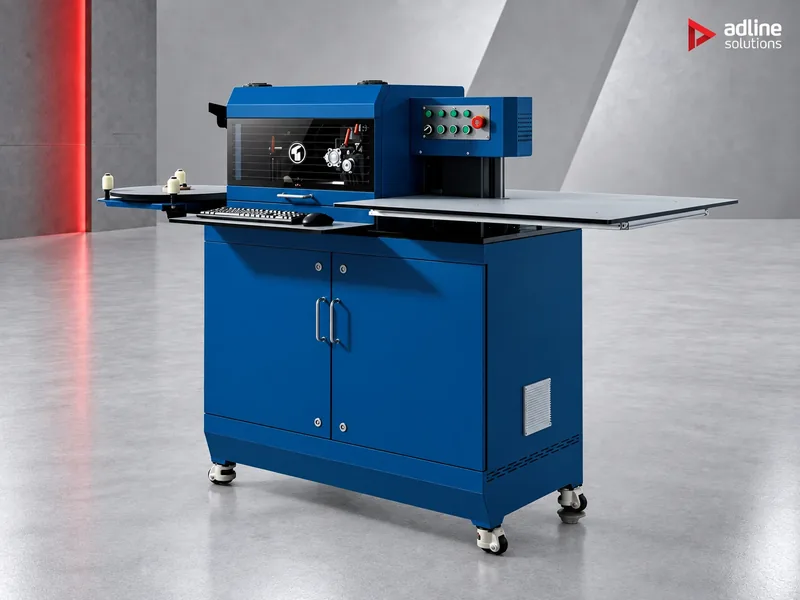
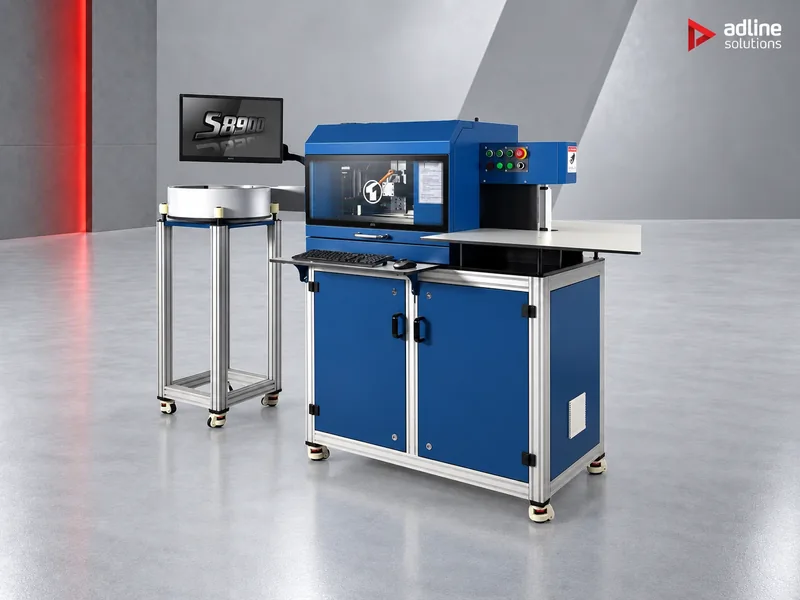
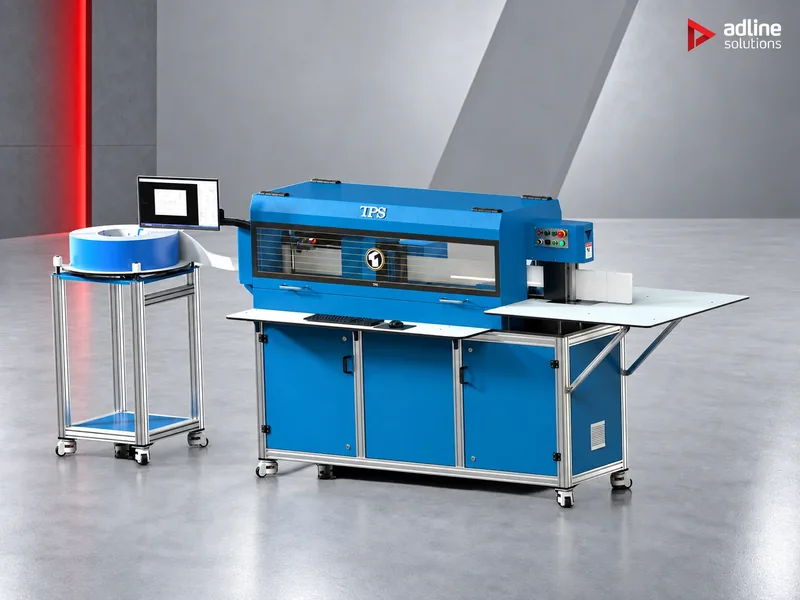
| Bent metal returns | An automatic bender slots and bends aluminium, stainless or galvanised strip to the outline; the face is cut separately | Deep and large facade letters, metal finishes, letters up to 200 mm deep | S6720, S8900, S1810 |
| Resin-filled letters | A printed or bent shell is filled with resin, which is then cured under UV light | Solid, glossy lit faces and small letters that need a robust finish | AD-F4 with the MD-C02; TPS benders for metal shells |
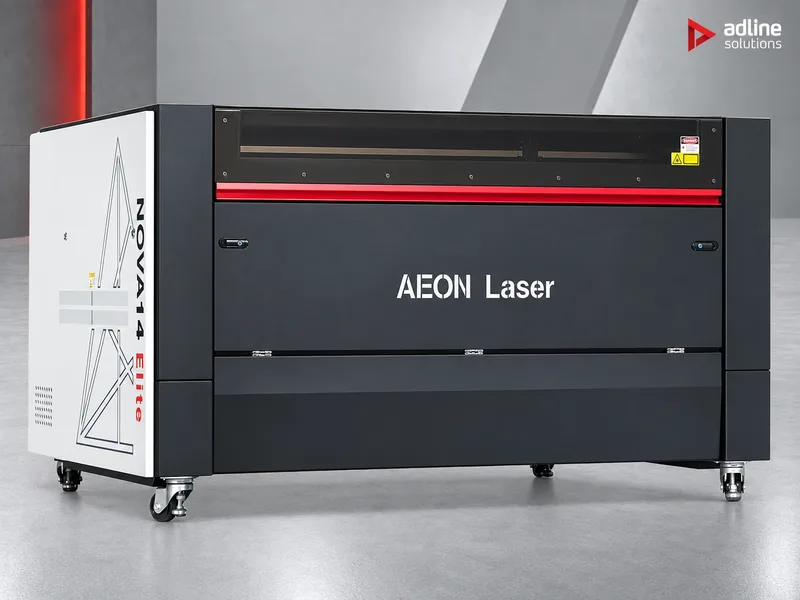
| Flat-cut letters | Letters and logos are cut from a sheet, with no return | Non-illuminated or halo signs, reception logos, metal lettering | Nova14 Elite (acrylic, wood, MDF), HS-C3015 (metal), UD-25R8CKV (printing) |
Letter depth by machine
The depth of the return decides the method: printed shells up to 100 mm, bent metal up to 200 mm.
Method 1: 3D-printed letter shells
The AD-F4 prints the complete letter shell in one job: coloured bands on the return, a different colour on the face, and walls ready for the LEDs. The artwork goes in as .dxf or .svg, and the MINGDA SignMaker software generates the 3D letter from the outline or the font. There is no cutting, bending or welding, and no one has to stand at the machine to change filament.
1Vector file
Outline or font as .dxf or .svg, from the design software you already use.
23D letter
SignMaker turns the outline into a letter shell and sets the colours.
3Print
Up to four colours, changed automatically, a full 1200 × 800 mm bed per job.
4Resin (optional)
For resin letters: fill the shell and cure a full bed in the MD-C02 in about an hour.
5Assemble
Fit the LEDs, the face if separate, and the back plate.
- Build volume 1200 × 800 × 100 mm: a full bed of letters per job, with returns up to 100 mm deep.
- Four colours, fed automatically: four 1 kg spools stay connected; a cutter in the head trims and changes the filament when a layer calls for the next colour.
- Speed: up to 150 mm/s printing with the 0.6 mm nozzle (120 mm/s recommended) and 500 mm/s travel under Klipper firmware, with Input Shaper keeping the side walls clean.
- Materials: AdPETG, which we supply, PLA, other PETG, and PDS for outdoor signage. See the AD-F4 materials page.
- Unattended running: filament break detection, power-off resume and remote monitoring with a webcam.
- Power: single-phase 220 V, 2.7 kW.
How much filament a letter takes depends on its size, depth and wall settings; the AD-F4 filament usage page shows worked examples. Printed shells suit shops that make many different shapes in short runs, want coloured returns, or do not want to handle metal strip.
Method 2: bent metal returns
An automatic channel letter bender feeds metal strip, cuts V-grooves where the letter turns, and bends the strip to the outline in one pass, straight from the DXF or PLT file. The finished return is closed, a face is cut from acrylic, and the LEDs and back are fitted. Bent metal is the method for deep, large and metal-finished letters.
1Strip from the coil
Aluminium, stainless or galvanised strip feeds into the bender.
2Slot
V-grooves are cut where the letter turns, so the strip bends cleanly.
3Bend
The machine bends the strip to the outline, straight from the DXF or PLT file.
4Notch and flange
On the S1810, notching, a 14 mm flange and fixing holes are done in the same flow.
5Face, LEDs, back
Cut the face on a CO₂ laser, fit the LEDs and close the letter with the back plate.
| S6720 | S8900 | S1810 | |
|---|---|---|---|
| Position | Entry into automatic bending | Precision, tall letters | Top of the range |
| Controlled axes | 4 (2 servo, 2 stepper) | 4 (3 servo, 1 stepper) | 6, all servo |
| Letter height (return depth) | 20 – 115 mm | 20 – 175 mm | 40 – 200 mm |
| Strip thickness | 0.5 – 1.0 mm (1.0 – 2.0 mm aluminium with optional die) | 0.6 – 1.0 mm (1.0 – 2.0 mm aluminium with optional die) | 0.8 – 2.0 mm |
| Materials | Stainless steel, galvanised sheet, aluminium coil | Stainless steel, galvanised sheet, aluminium coil | Stainless steel, galvanised sheet, aluminium |
| Minimum bending radius | R7 mm | R7 mm | R7 mm; R15 mm with notching and flanging |
| Extras | Aluminium edge removal as standard | Double lead-screw feed; optional side hole punching | CNC notching 15° – 120°, 14 mm flanging, integrated hole punching, zigzag countersunk seam |
| Files | DXF, PLT from AutoCAD, Type3, CorelDRAW, Illustrator | DXF, PLT | DXF, PLT |
| Power and air | 220 V, 2.2 kW; 0.4 – 0.6 MPa | 220 V, 2.5 kW; 0.4 – 0.6 MPa | 220 V, 5.5 kW; 0.6 – 0.8 MPa |
| Size and weight | 1450 × 820 × 1550 mm, 400 kg | 1450 × 820 × 1550 mm, 600 kg | 2980 × 1200 × 1650 mm, 860 kg |
Choose by the deepest letters you make regularly and by the finishing you want the machine to do: the S1810 notches and flanges the return in the same flow, so the letter comes off ready for the back plate, which otherwise takes a second machine or hand work.
Method 3: resin-filled letters
Resin letters have a shell, printed or bent, filled with resin that is then cured. The result is a solid lit face with a glossy finish. With printed shells, the MD-C02 is the curing half of the line: it takes the filled shells straight off the AD-F4 and cures them under UV light in about an hour, without an alignment jig or pressure on the shell.
- Matched to the printer: the 1200 × 800 mm curing platform holds a full AD-F4 bed of letters, so curing does not hold up printing.
- Seven programmes, 10 to 70 minutes, each with its own fan speed and light timing, so a thin face and a deep letter each get the exposure they need.
- Even curing, low power: UV lamps under a transparent glass plate, four fans with exhaust and air purification, 230 W on single-phase 110 – 220 V.
- Metal shells: the TPS benders list resin letters among their applications; the shell is bent first and filled afterwards.
Method 4: flat-cut letters and logos
Flat-cut letters have no return: they are cut from a sheet and fixed to the wall, often on stand-off pins, or lit from behind for a halo effect. The material decides the machine.
| Material | Machine | Notes |
|---|---|---|
| Acrylic, wood, MDF | CO₂ laser, such as the Nova14 Elite (1400 × 900 mm) | Cuts acrylic with a polished edge and engraves detail in the same job; see our CO₂ laser guide |
| Stainless steel, aluminium, galvanised sheet | Fibre laser, such as the HS-C3015 (1524 × 3048 mm, 3 or 6 kW) | Also cuts the back plates and fixing parts for channel letters |
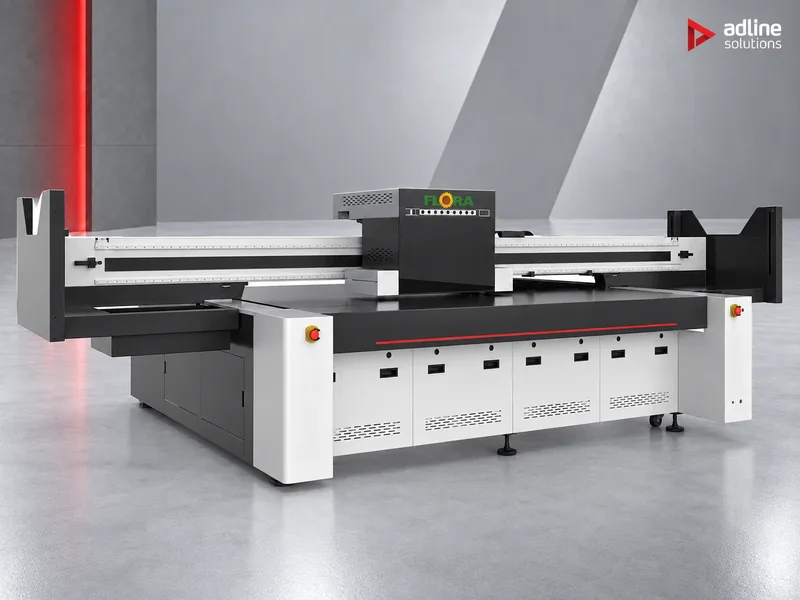
| Printed faces and coloured letters | UV flatbed, such as the UD-25R8CKV (2440 × 1220 mm) | Prints white under the colour on clear acrylic; see our UV printer guide |
A CO₂ laser does not cut metal, and a fibre laser is not the tool for acrylic: if you sell both, plan both. Cutting acrylic and wood produces fumes, so plan extraction with the laser; see our fume extractor guide.
The faces: cutting and printing
- Printed with the shell: on the AD-F4 the face can be printed in a different colour as part of the same job.
- Cut from opal acrylic: for bent metal letters the face is usually cut on a CO₂ laser, which leaves a clean edge that needs no polishing.
- Printed in colour: a UV flatbed prints logos and colour directly on the acrylic face; on clear acrylic it prints white under the colour so the light passes evenly.
- Resin face: on resin letters, the cured resin itself is the face.
Which method for which job
| Job | Method | Why |
|---|---|---|
| Shopfront letters in brand colours, many shapes, short runs | 3D-printed shells | Coloured returns straight off the bed, no metal work |
| Facade and mall letters deeper than 100 mm | Bent metal | Returns up to 175 or 200 mm deep, metal finish |
| Letters that must be flanged and fixed to a back plate | Bent metal on the S1810 | Notching and 14 mm flanging in the same flow |
| Small, robust lit letters with a glossy face | Resin-filled | Solid face, cured in about an hour per bed |
| Reception logos, acrylic or wooden letters on pins | Flat-cut on a CO₂ laser | Polished acrylic edges, engraving in the same job |
| Stainless steel or brushed aluminium letters | Flat-cut on a fibre laser | Cuts metal sheet cleanly; also makes back plates |
Many sign shops combine methods: printed shells for coloured shopfront letters, a bender for large facade work, and a laser for faces and flat letters.
Common mistakes
- Choosing by the deepest letter you might make once. Size the machine for the letters you make every week; send the rare oversize job out or make it in metal.
- Forgetting the face and the back. A return alone is not a letter: plan how the faces are cut or printed and how the back plates are made.
- Indoor material outdoors. Printed letters for outdoor signage need a material made for it, such as PDS.
- No extraction with the laser. Cutting acrylic and wood without extraction leaves fumes in the workshop and residue on the lens.
- Drawings that are not closed outlines. Benders and printers both work from vector files; clean, closed outlines save time at the machine.
Glossary
- Return: the side wall of a channel letter, which gives it depth.
- Face: the front of the letter, usually translucent acrylic or resin so the light passes through.
- Notching and flanging: cutting the return where it turns, and folding a lip to fix the back plate.
- Halo letter: a letter lit from behind, so the light shines on the wall around it.
- IMS: the AD-F4's four-colour feeding system, which changes filament automatically.
- Resin letter: a shell filled with resin that is cured, giving a solid lit face.
Before you order
- Send us the letters you make, their sizes and depths, the materials and how many a month. We recommend the method and the machines.
- Send a few of your own vector files: we can show how they print on the AD-F4 or how they bend.
- Installation, operator training and technical service are available and quoted per machine and country.
- You can see the machines running in our Bucharest showroom, by appointment.
Frequently asked questions
What is the best way to make channel letters?
It depends on the letters. Printed shells suit coloured letters up to 100 mm deep in short runs; bent metal suits deep, large and metal letters; resin suits small letters with a solid glossy face; flat-cut letters are cut from sheet on a laser.
How deep can a 3D-printed channel letter be?
Up to 100 mm on the AD-F4, the height of its 1200 × 800 × 100 mm build volume. Deeper letters are made with bent metal returns, up to 115, 175 or 200 mm depending on the TPS model.
Can a 3D-printed letter be used outdoors?
Yes, when it is printed in a material made for outdoor signage, such as PDS. The AD-F4 also runs AdPETG, PLA and PETG.
Which channel letter bender do I need?
Choose by the deepest letters you make regularly: the S6720 handles 20 – 115 mm, the S8900 20 – 175 mm, and the S1810 40 – 200 mm with notching, flanging and hole punching in the same flow.
How are resin letters cured?
The filled shells are cured under UV light. The MD-C02 cures a full 1200 × 800 mm bed of letters in about an hour, with seven programmes from 10 to 70 minutes.
Can a CO₂ laser cut metal letters?
No. A CO₂ laser cuts acrylic, wood and MDF; metal letters and back plates are cut on a fibre laser.
What files do the machines need?
Vector files. The AD-F4 reads .dxf and .svg, among others, and its software turns 2D outlines and fonts into 3D letters; the TPS benders run DXF and PLT from AutoCAD, Type3, CorelDRAW or Illustrator.